

One piece of data, one application: QuaMM AIOS puts the hardware and the system on a creator's desk
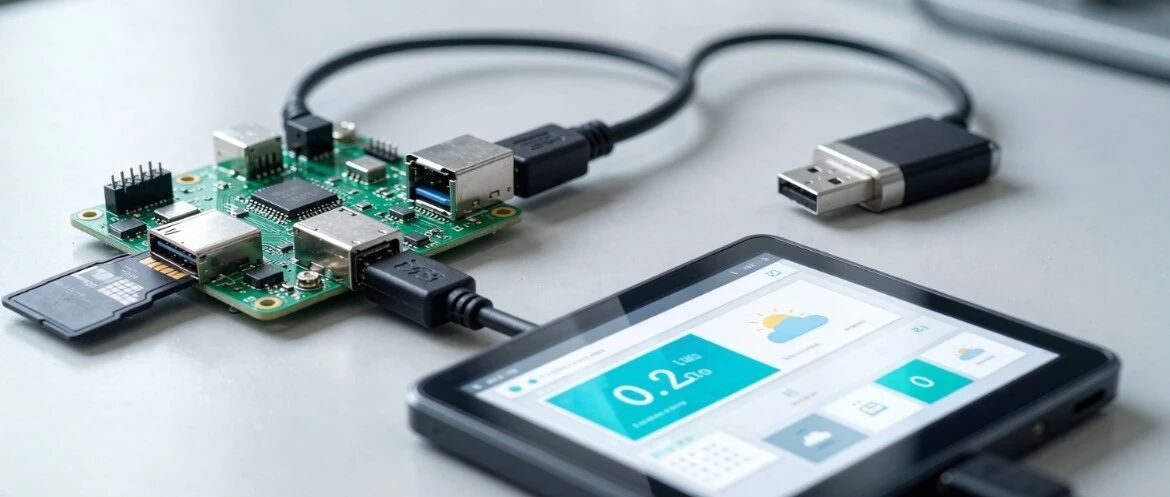
Put in a TF card that holds the applications, press power, and in about 3 seconds the screen is up. It can run a game, check the weather online, or sit as a desktop. These are JS applications on QuaMM OS, not a one-off demo.
QuaMM OS finishes the base first: real-time signals, device drivers, audio and video, Bluetooth, network, and display, wrapped as calls an application can use. The base is in C. The application layer writes the product: the interface, events, the network, and the flow. A new device or a new scene does not mean binding the interface to one board all over again.
JS Launcher
On power-up, JS Launcher sees which applications are installed and starts them for the scene. It schedules the interface, the logic, and the hardware. Add or remove one application folder and the system picks it up. A card or a USB drive is enough. Updates go over HTTP or HTTPS. The package is compressed, so a thin link can still take it. Changing the scene, or fixing one problem from afar, does not mean deploying the whole image again.
On QuaMing display chips
The environment is built for the QM display chips. 2D and 2.5D interfaces are aimed at 30 frames.
- QM102D and QM102D-E: entry commercial display, for a frame, a cluster, or a shelf screen.
- QM108H: higher-end commercial display, for a flagship cluster, an industrial panel, or a portable host.
Nine reference applications are already in the system, built the way a product is built: a desktop and settings, a weather view that can be the home screen, and Snake, Sudoku, and a jump game, used to check input, animation, and freezing an app in the background. Network requests, JSON, and the interface bridge are already wrapped. The notes for AI coding tools are in the docs. An assistant can generate or change an application from one sentence, without a compile step and without burning an image.
Original post: One piece of data, one application